


















One Portal.
Every Step Connected.
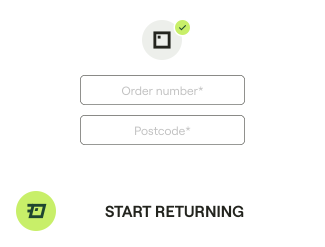
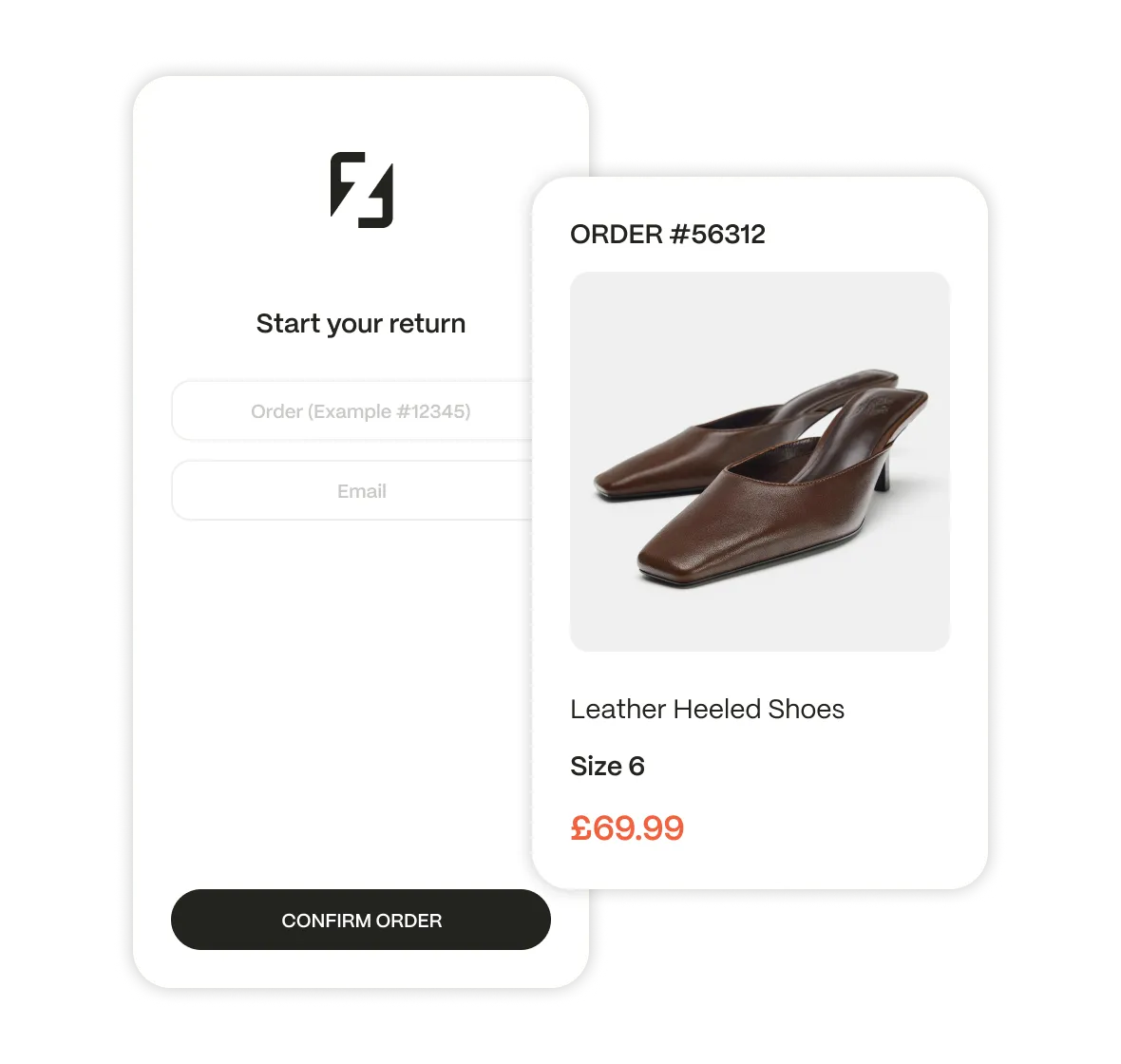
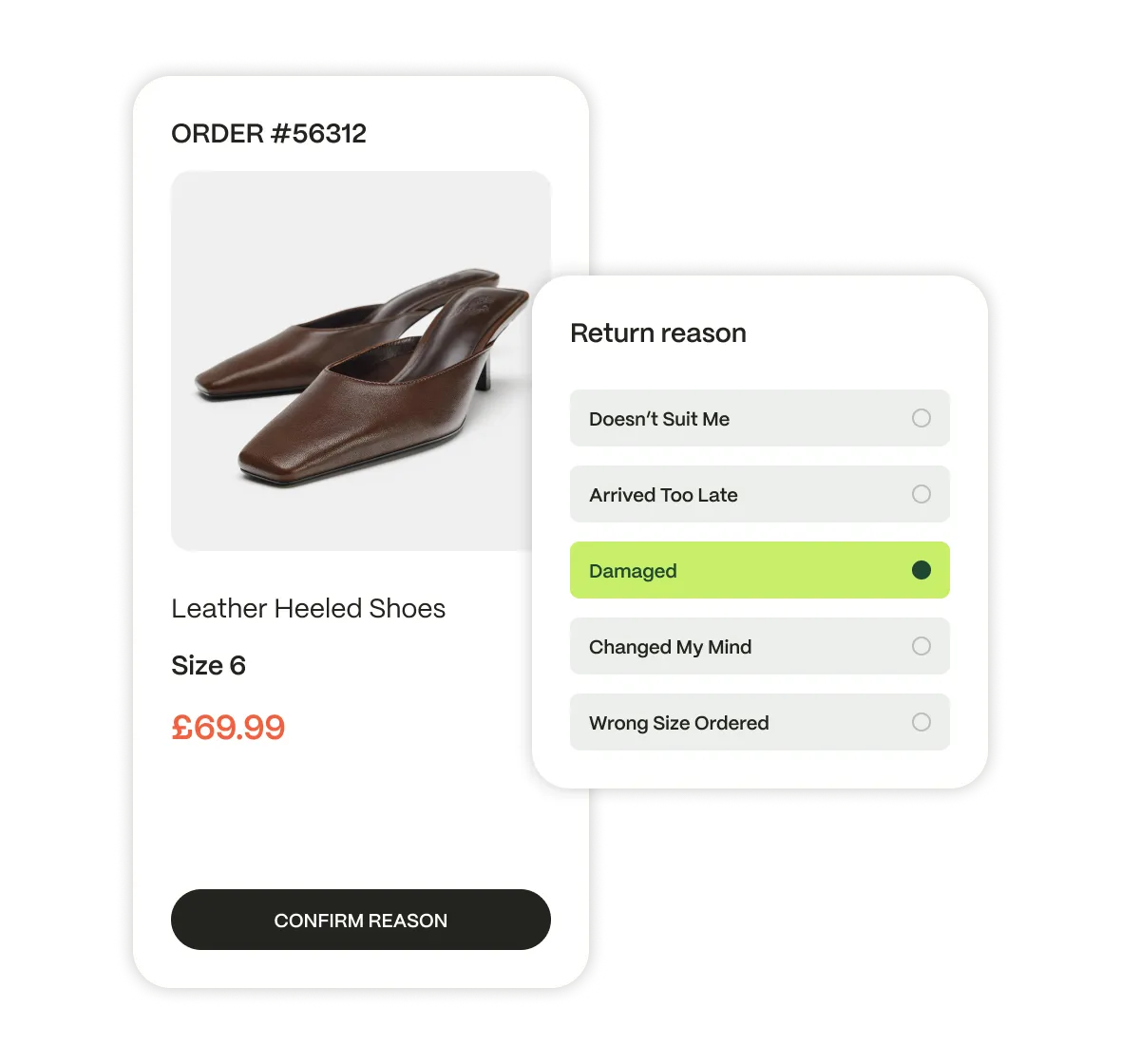
Show relevant return options based on order details and record every choice for processing and tracking.

- Start
- Select
- Context
- Outcome

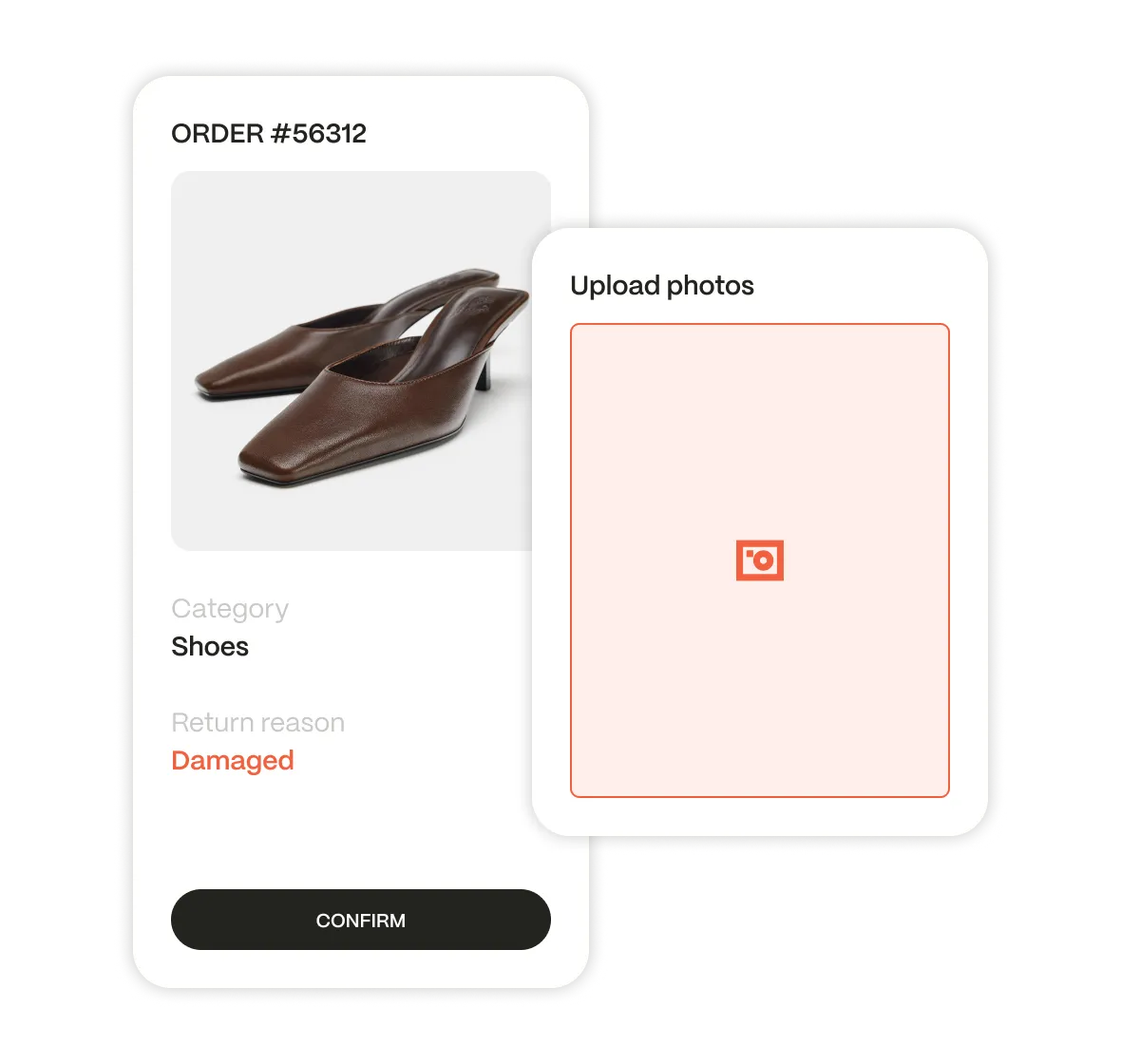
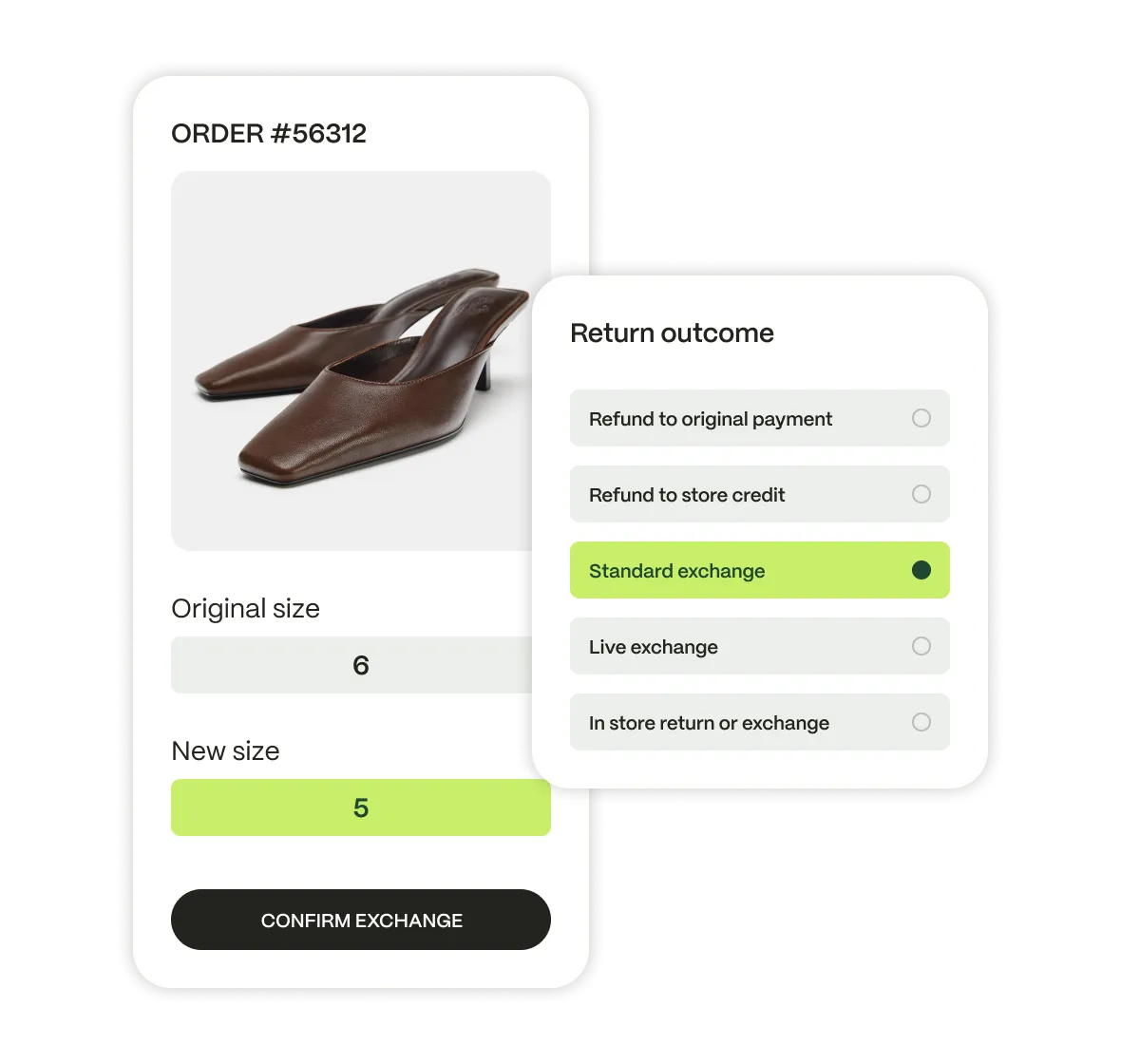
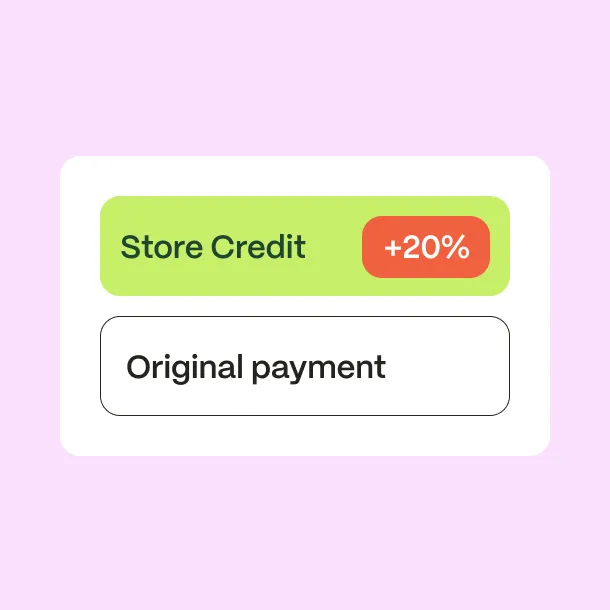
Retain More Revenue
Keep revenue with exchanges and store credit, as well as charging returns fees.
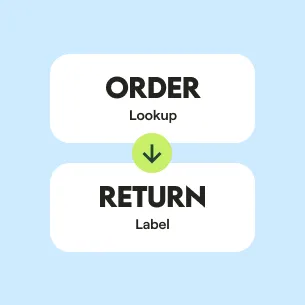
Self-Service Journey
Guide customers from start to finish in one simple process.
Stay in Control
Control branding, eligibility, resolutions, charges, and carriers across all products and markets.
Every Return.
The Right Way Back.
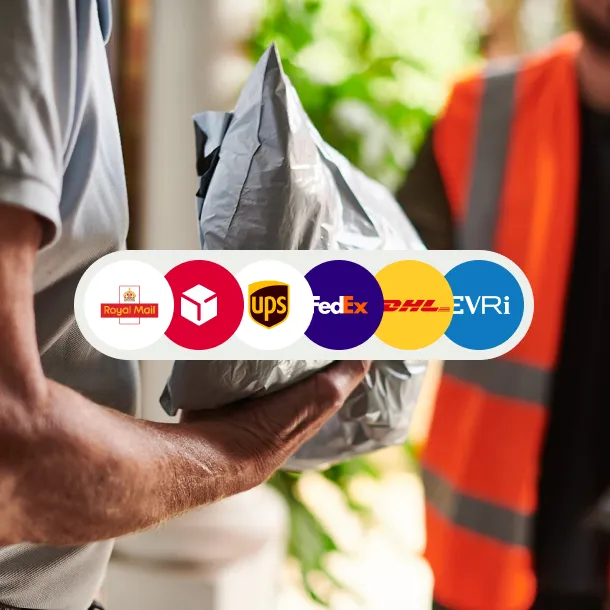
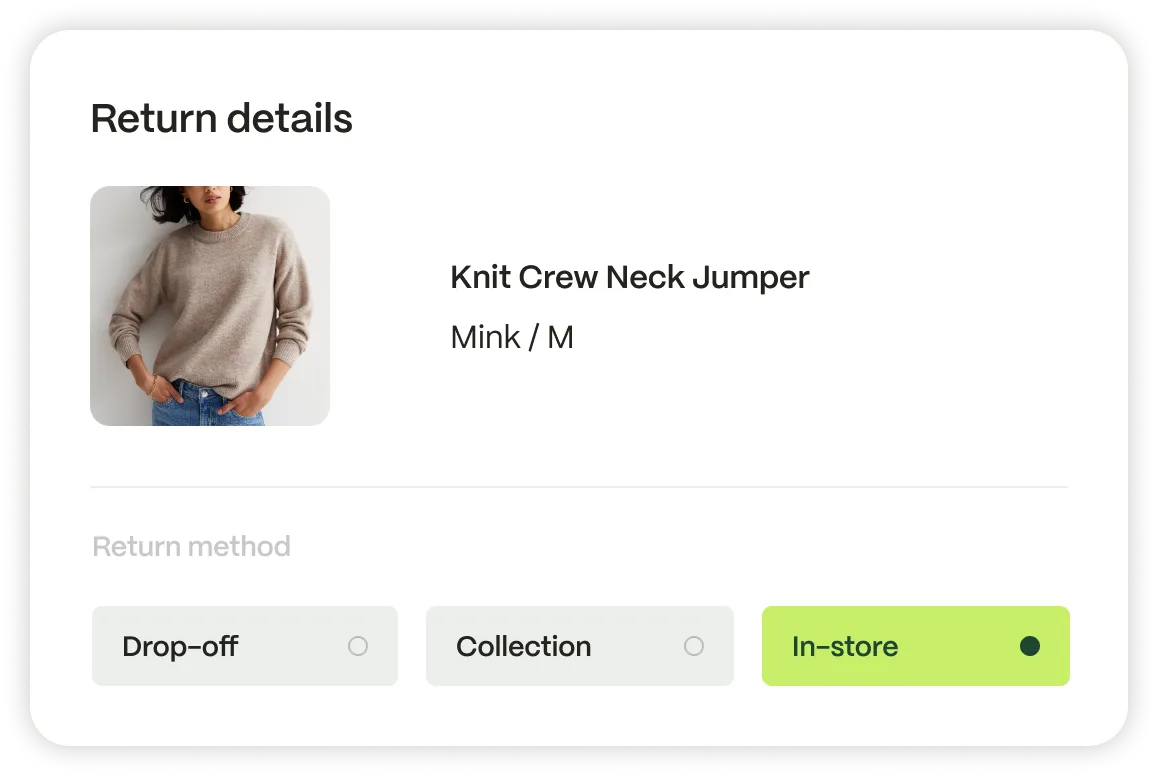
Match each return with the right carrier service based on location, product and destination. Offer drop-off, home collection or Return to Store, with clear pricing and label options.
Keep customers updated as the parcel moves and bring them back to your store with Continue Shopping links.

Recover Carrier Costs
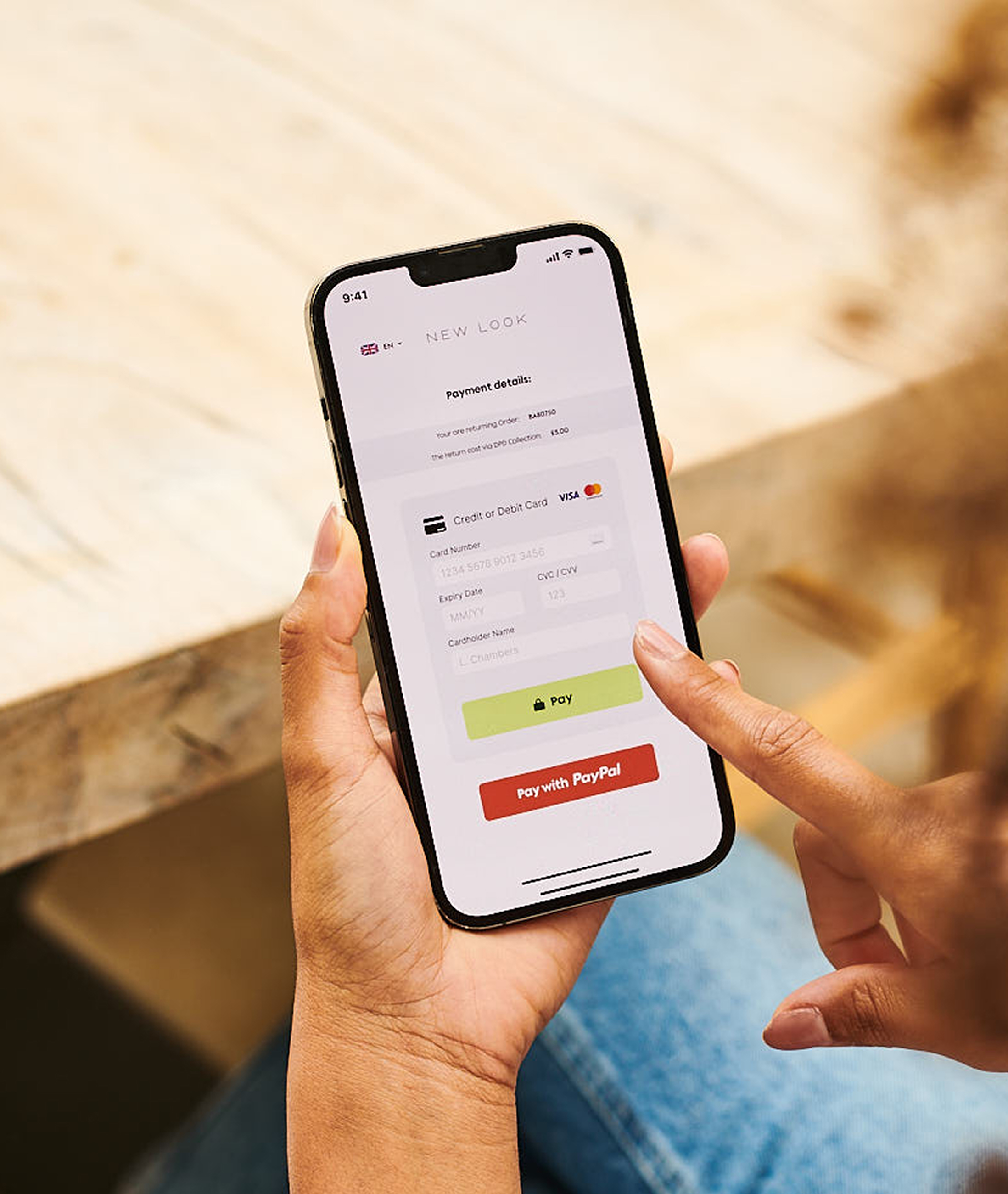
Charge for selected return methods based on your business rules. Collect payment before generating the label or QR code, protect your margins, and show customers the full cost upfront.
Powered by Shift4, the portal supports card payments, multiple currencies, Apple Pay, and Google Pay on supported devices.

Returns System for Domestic and International Returns
Through our intelligent returns platform and our global carrier network, we provide personalised returns solutions for your customers, using our vast experience and unrivalled customer service.

£2B
Value of the returns last year

500K+
Drop-off locations

1500+
Carrier services

170+
Countries



Your Brand. Your Rules.
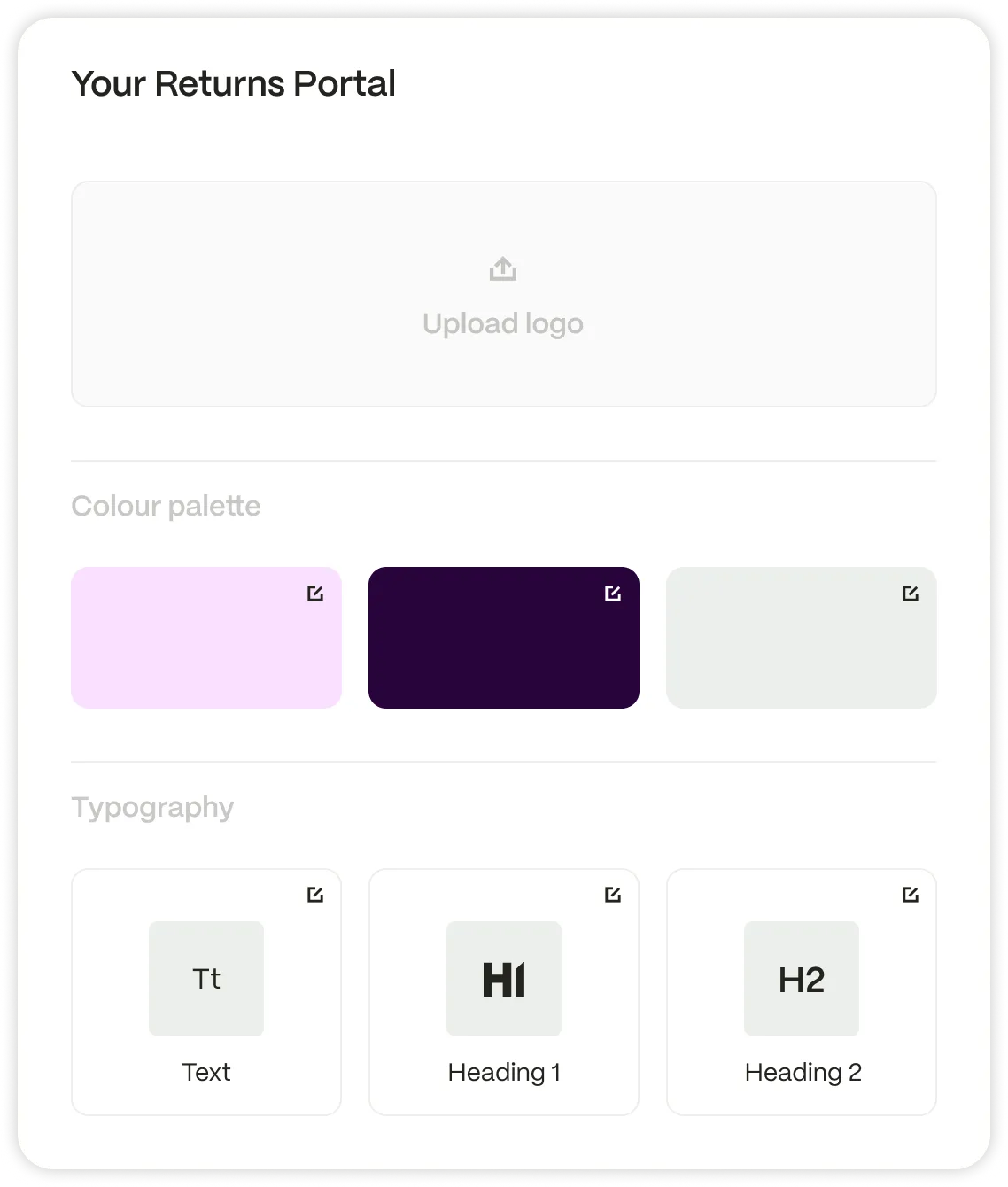
Apply your branding and messaging across the Returns Portal in 30+ languages, across mobile and desktop. Configure return windows, eligibility, reasons, resolutions, fees, and carrier services by product, category, or market. Tailor instructions, image requirements, and incentives at each step.
Customer Choices. Connected Operations.
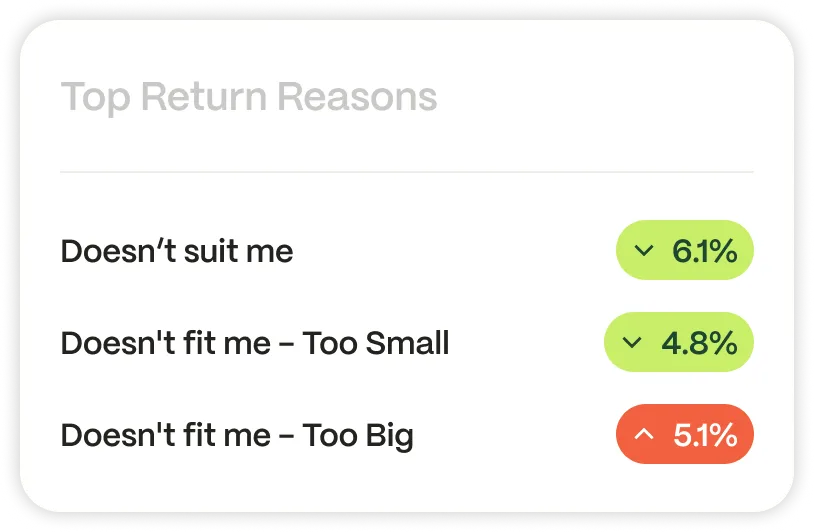
Connect the Returns Portal with ecommerce, carrier, and warehouse workflows. Use order data to check eligibility, capture return choices, and generate the right label. Keep reasons, images, resolutions, and tracking events visible, giving support and warehouse teams the context they need.


FAQ’s
Need a quick answer. Read our FAQ’s and find out more.
How does the Returns Portal identify an order and support deep-linked journeys?
The portal matches the order reference with a selected verification detail, such as the customer’s email address, postcode, or phone number. Where the required order information is included in the URL, a deep link takes the customer directly to the relevant order.
How are return eligibility, reasons, and resolution options configured?
Portal settings define the return window, eligible products, return reasons, and available outcomes. Rules based on the product, category, return reason, or market determine whether the customer sees a refund, store credit, exchange, or Return to Store option.
How does ZigZag determine which carrier services, prices and label formats customers see?
The portal matches the return with your carrier setup using factors such as location, destination, product handling requirements, and the number of parcels. Customers then see the relevant services, prices, return methods, and printer requirements, including print-at-home labels and print-free QR codes.
How are paid returns processed through Shift4 across currencies and payment methods?
Your business rules determine when a return fee applies and how much the customer pays. Shift4 processes the payment before label generation, supporting cards, multiple currencies, Apple Pay, and Google Pay on supported devices.
How do return reasons, images, customer choices and tracking events reach the Retailer Hub and connected systems?
The portal stores each selection against the return record, including reasons, resolutions, and uploaded images. Carrier scans update the tracking journey, while configured integrations share relevant return information with your ecommerce, support, and warehouse systems.